Write the app.
Skip the stack.
Hosting, storage, auth, mail and logs.
One account, one bill.
Build free, no card. $25 a month when you go live.
Deploys what you already build with
- Next.js
- Nuxt
- SvelteKit
- Astro
- React
- Vue
- Angular
- JavaScript
- TypeScript
- Python
- Rust
Ship your app.
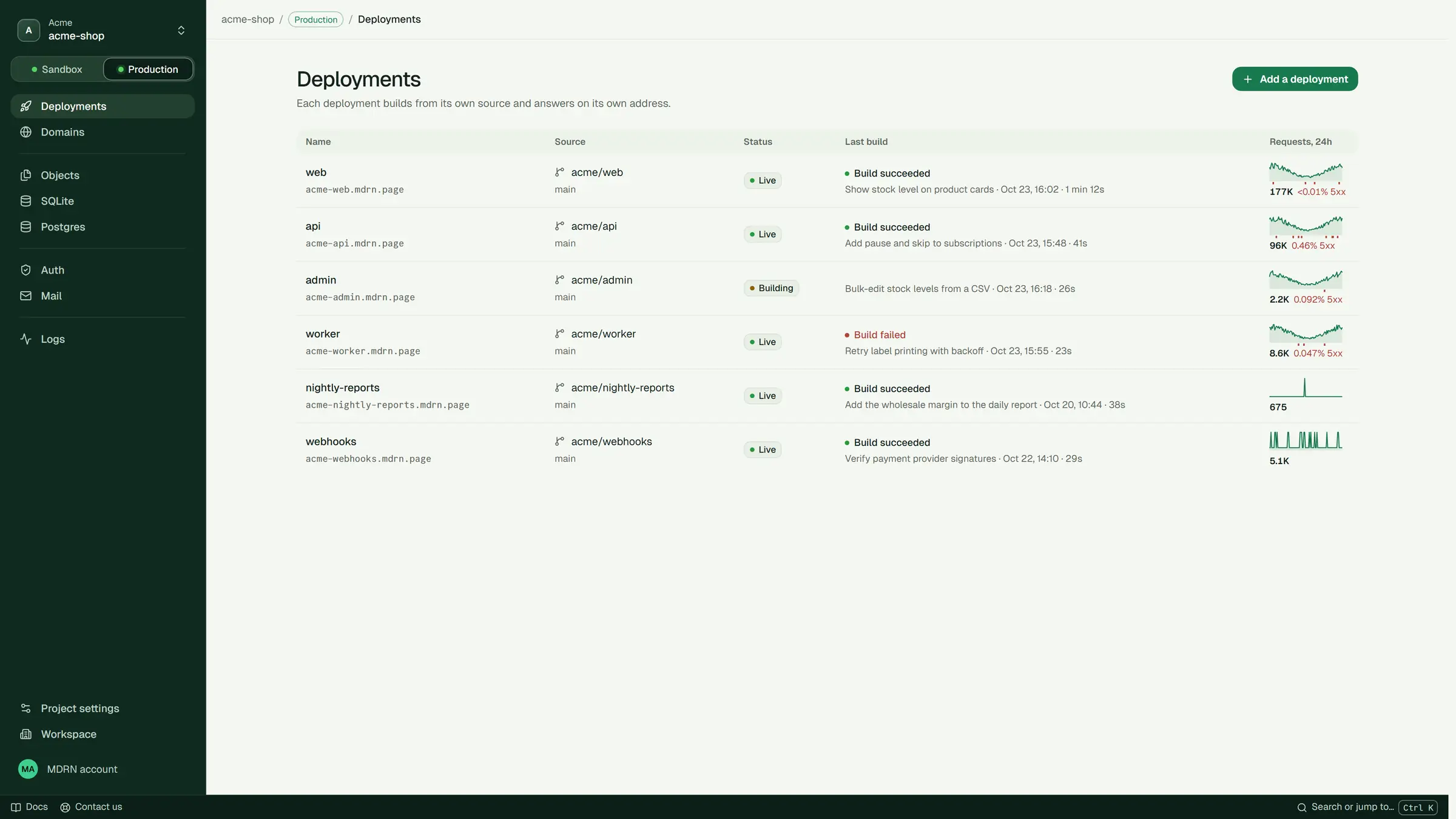
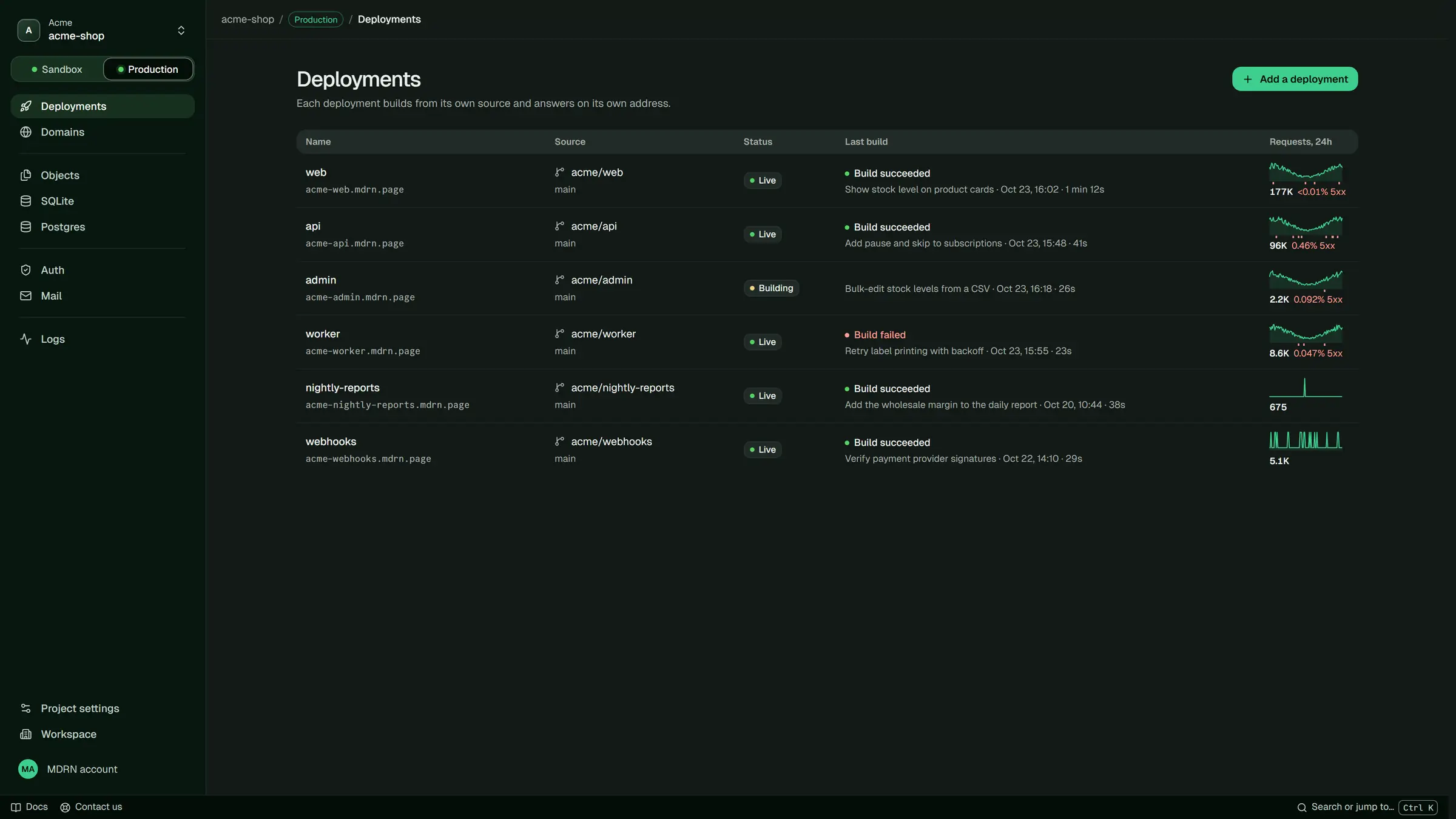
Push to GitHub or run one command. MDRN builds it, runs your tests and serves it.
- Push to deploy. Every push to your branch builds, and goes live once the new build answers.
- Sandbox, then Production. Try it in Sandbox. Production has its own address and its own data.
- Roll back. Every deployment keeps a history of its builds. Go back to an earlier one at any time.
- Your domain, with HTTPS. Point your domain at the app. The certificate is taken care of.
Storage.
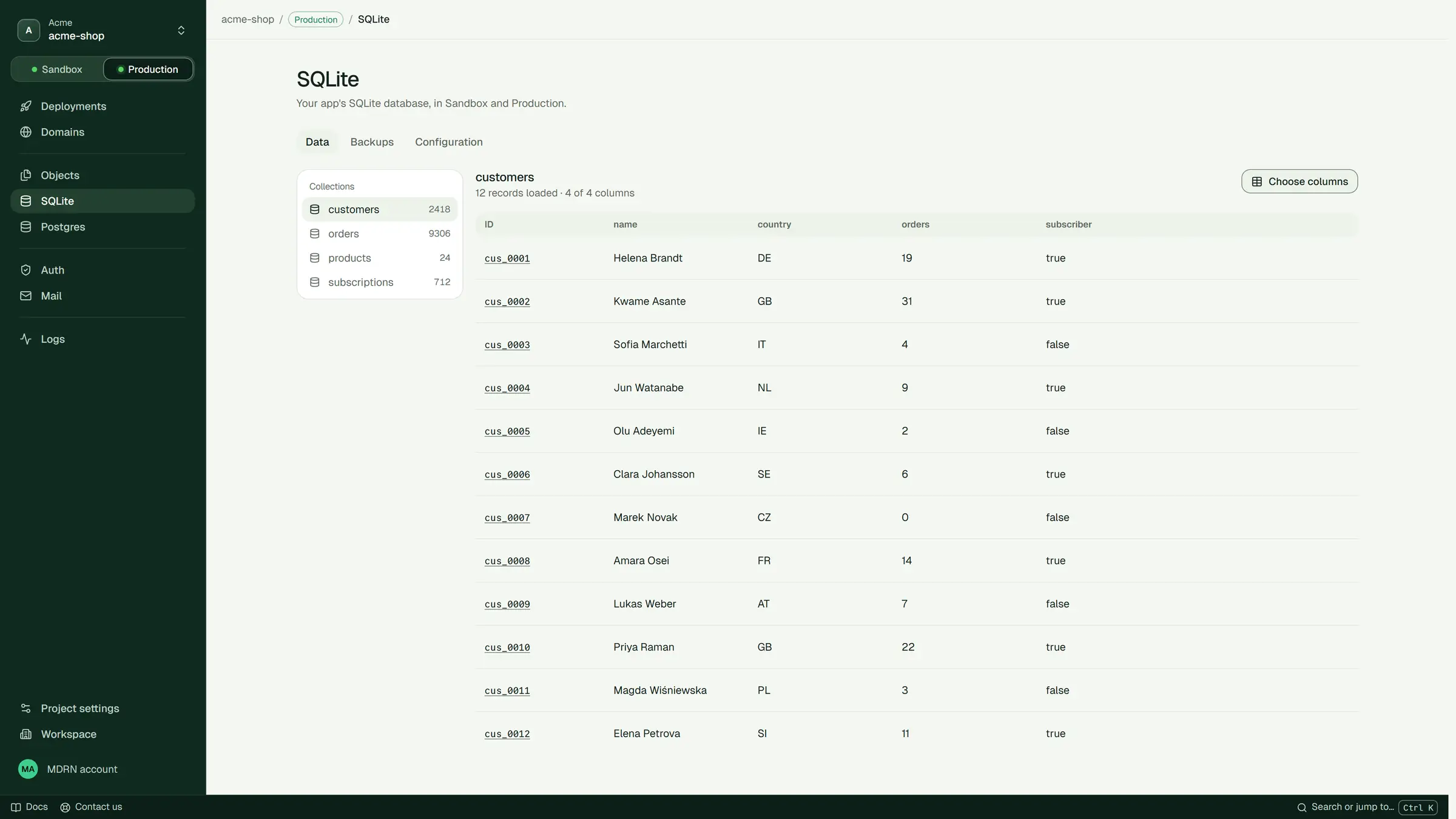
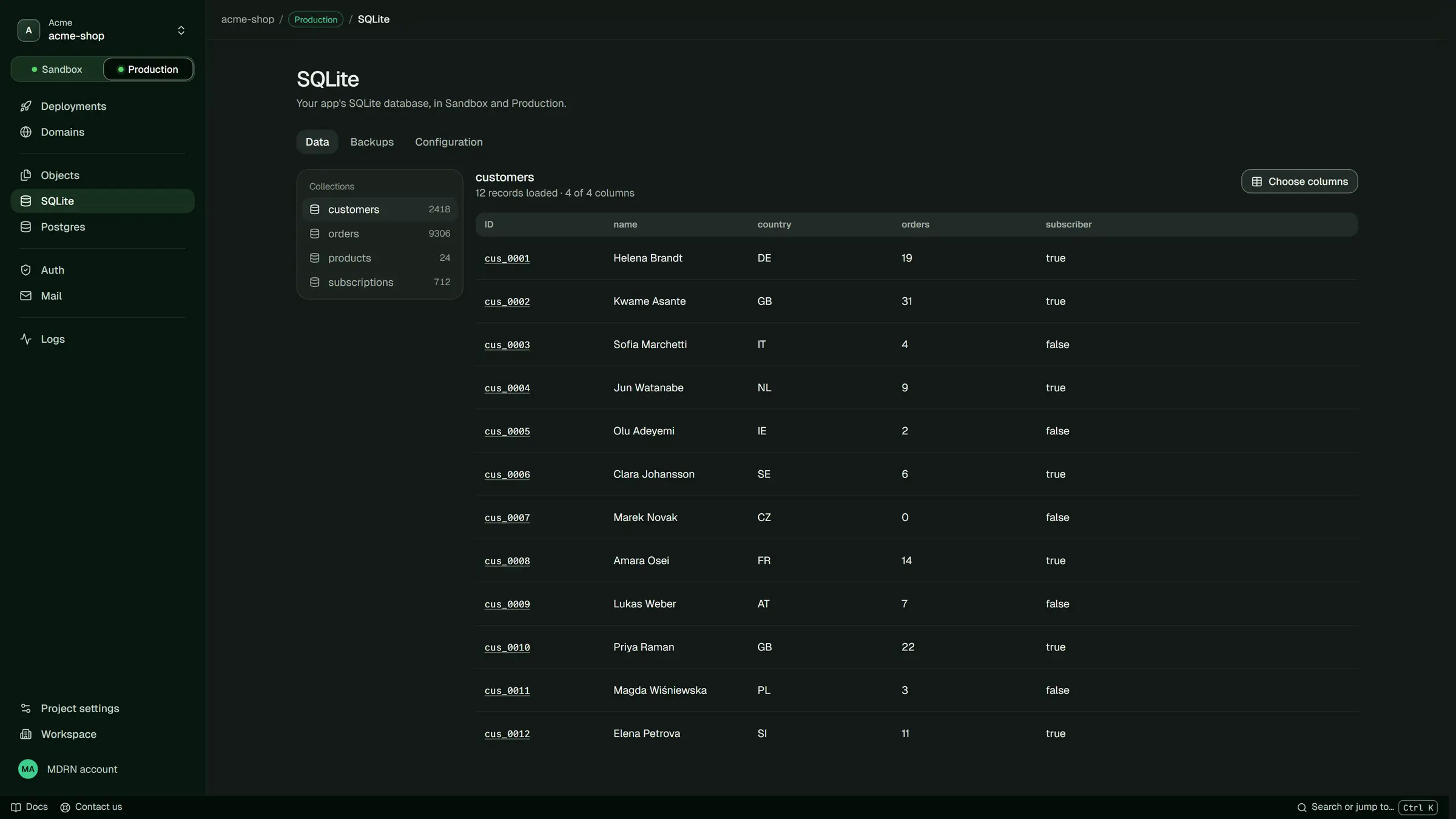
Already on, and called from one SDK in your backend, with no keys in the browser.
- Objects. Uploads and downloads through links that expire.
- SQLite. Ready the moment your code first asks. Restore it to any moment in the last 30 days.
- Postgres. When your app needs it, once you go live, made the first time your code uses it.
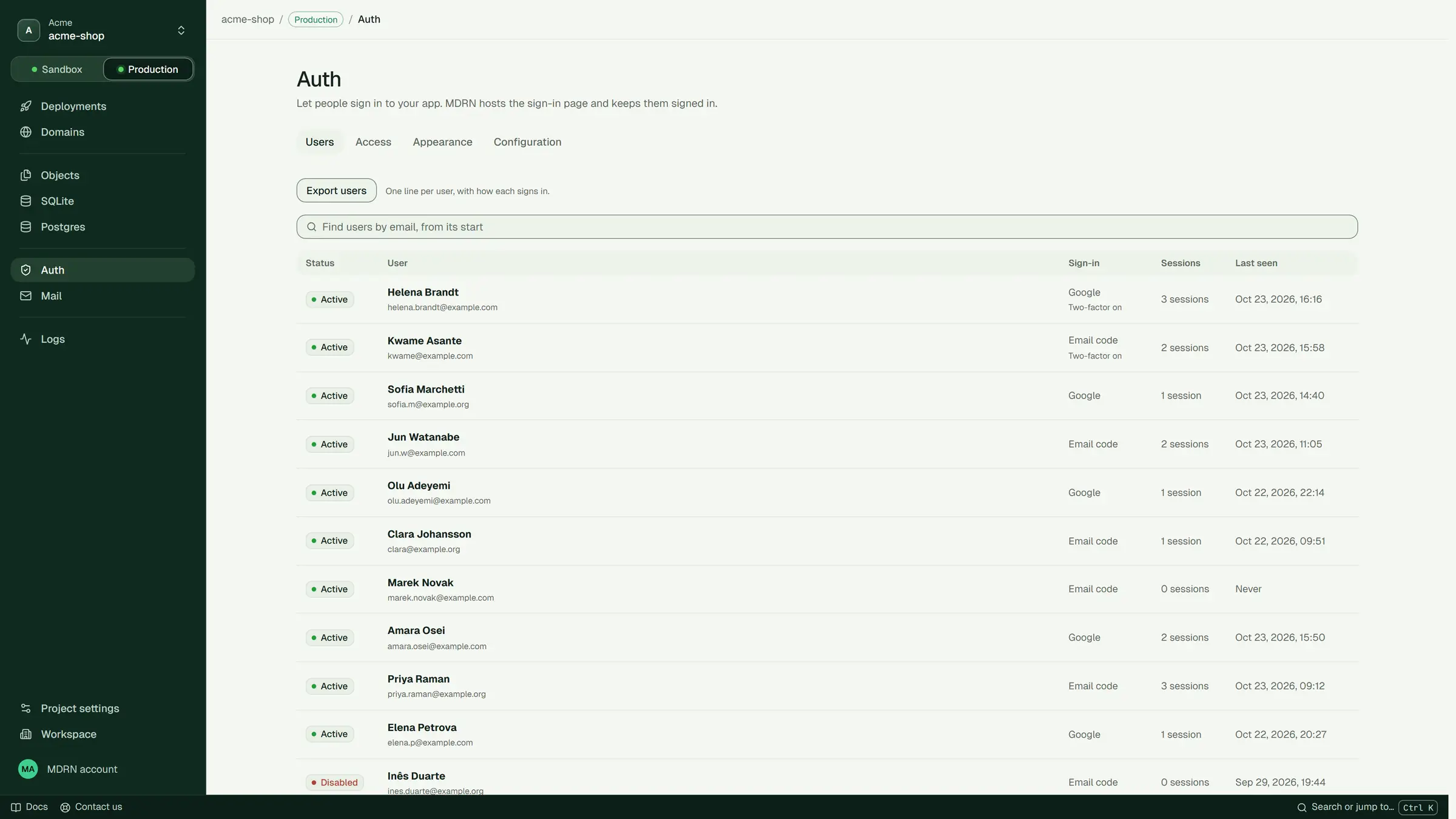
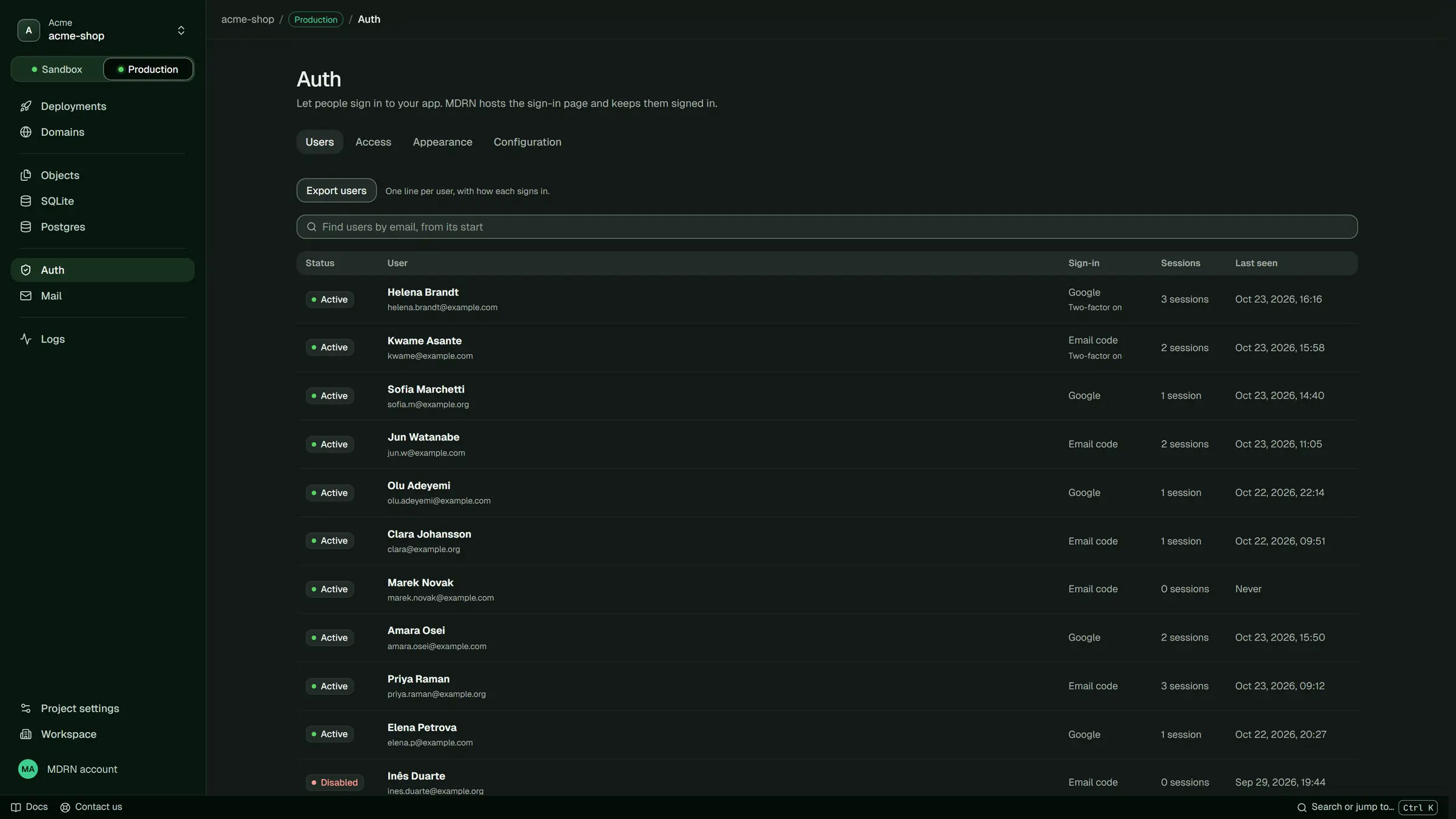
Auth.
Sign-in for your app, already on.
- Email codes from day one. Google and GitHub too, with your own keys.
- Your sign-in page. In your colours, at your app’s address.
- No per-user price. Your backend is told who is signed in.
Mail.
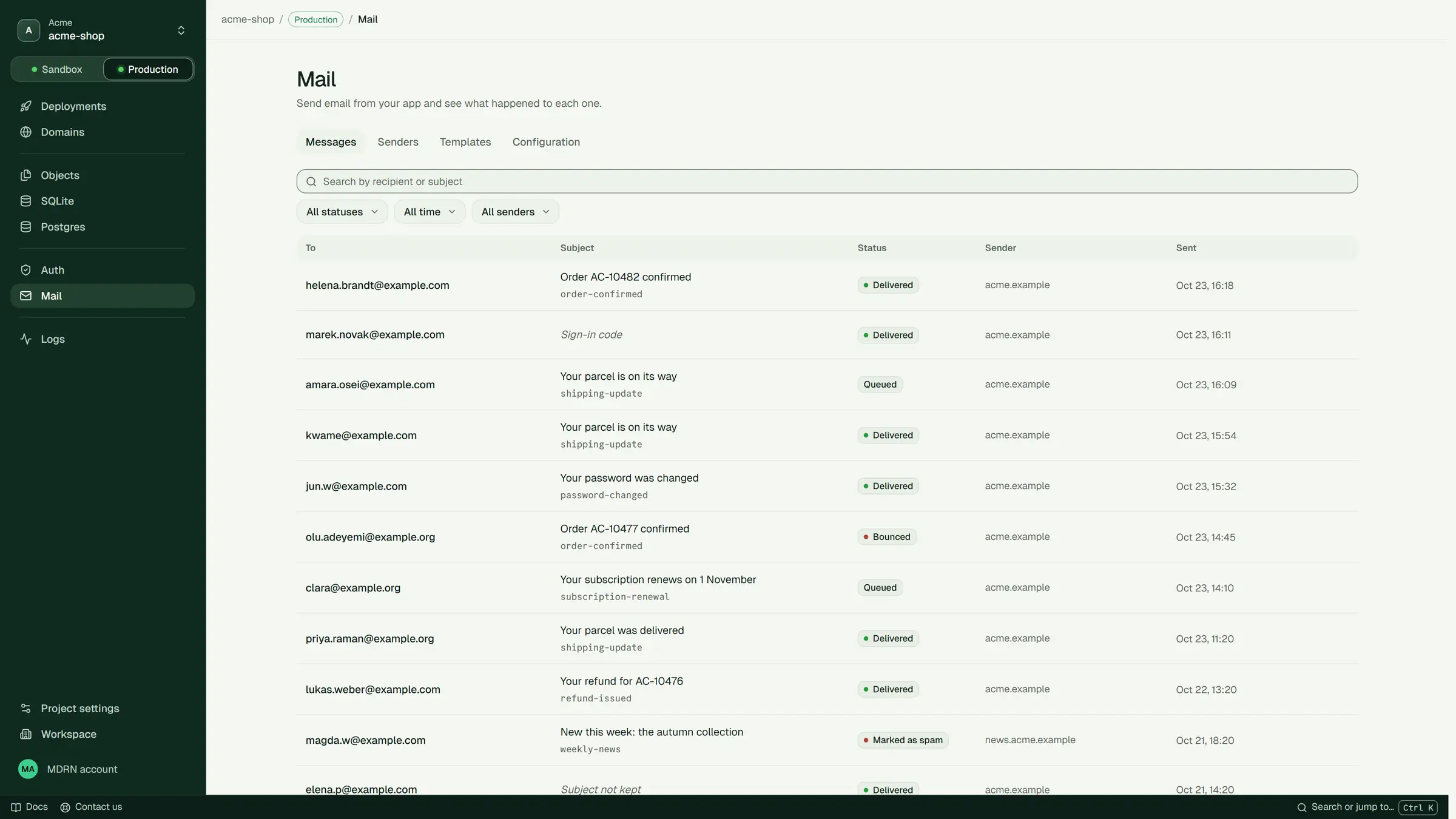
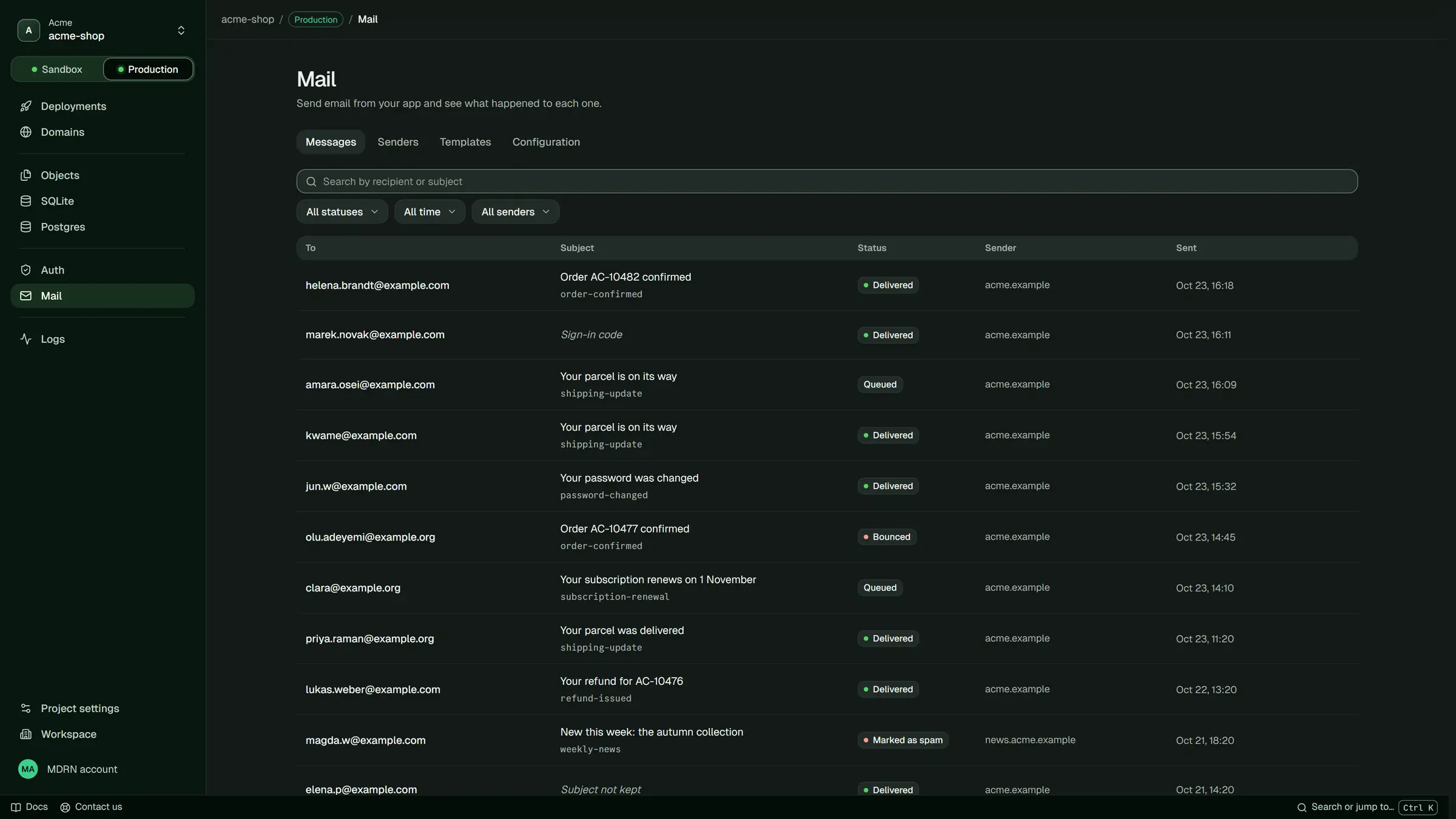
Email from your app, sent from your own domain.
- Sent from your backend. Receipts, codes and resets, one call each.
- Every result. See what became of each email: delivered, bounced or marked as spam.
- Bounces handled. An address that bounced is not mailed again.
See what happened.
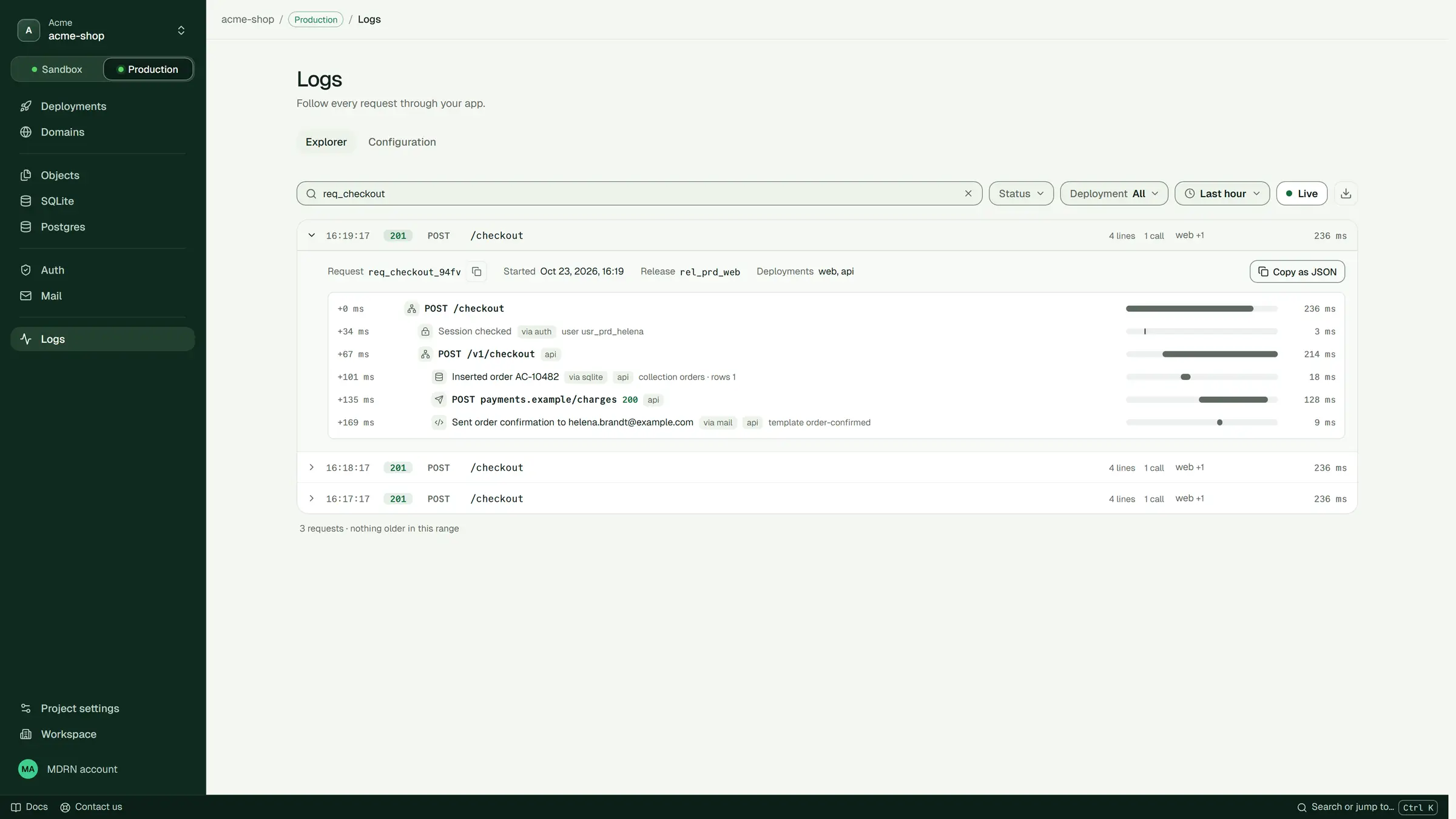
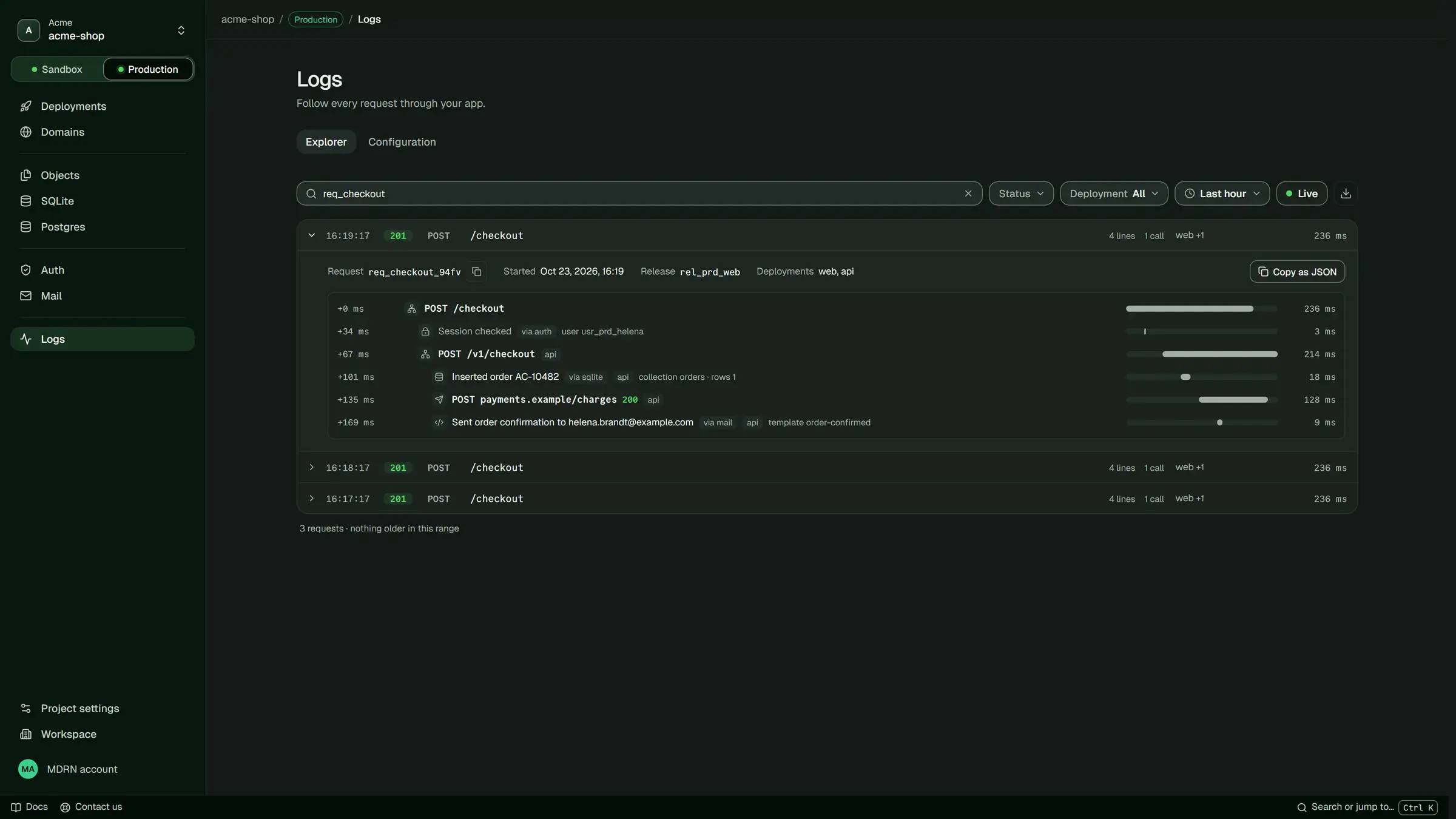
Follow one request through your whole app.
- Every request, end to end. Across every deployment it touched, with the time each step took.
- Search everything. Every line your app printed, from the console, the CLI or your agent.
- Problems stand out. Errors and slow requests are marked, so you see them first.
Questions.
Billing questions are on Pricing.
What can I run?
Websites, apps and APIs, frontend and backend together. Use Next.js, Nuxt, SvelteKit or Astro, or write it in JavaScript, TypeScript, Python or Rust. Frameworks and languages lists what deploys as it is.
Do I need to change my code?
Usually not. We build your app the way its framework expects. If something needs a change, the build tells you what and how.
Do I have to build on MDRN?
No. Build where you like, on your own machine or in GitHub Actions with a token from Workspace › Tokens, then upload the result with mdrn deploy --prebuilt. Or let MDRN build it for you.
What is build mode?
Where every account starts: free, with no card, one project in its Sandbox environment that only you can open. At a limit you see “Build mode limit reached. Go live to continue.” Nothing is charged and nothing is deleted.
What if I delete something by mistake?
You can go back: SQLite restores to any moment in the last 30 days, free. A deleted database is kept 7 days and a deleted object 30 days.
Can I take my data with me?
Yes. Your code stays in your repository, and you can export your databases, objects and users whenever you like.
Built by you,
or your agents.
Your agent deploys, reads the logs and manages your data. It asks you before anything you pay for.
- YouDeploy this and add a database.
- AgentDeployed. Only you can open it while in build mode: mdrn open app. SQLite is ready.
- AgentGoing live costs $25 a month. Should I go ahead?